QR Code Generator
Generate simple & advanced QR codes. Easy, customizable & trackable.
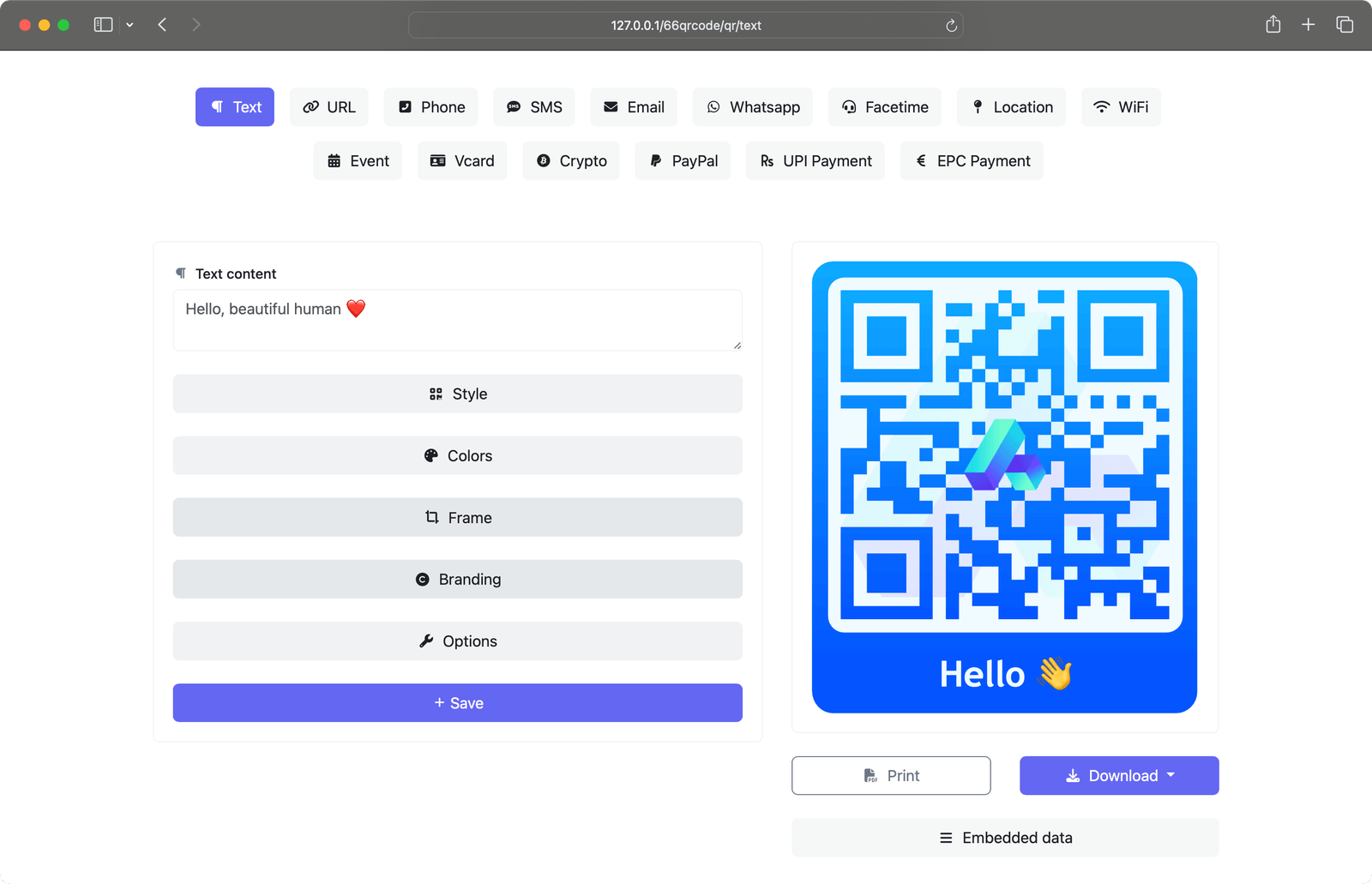
Static QR codes
Static QR codes are permanent, with all data embedded directly into the code. Once created and printed, the information cannot be modified.
-
Fully customizable
-
No scan limit
-
No data saved on our servers
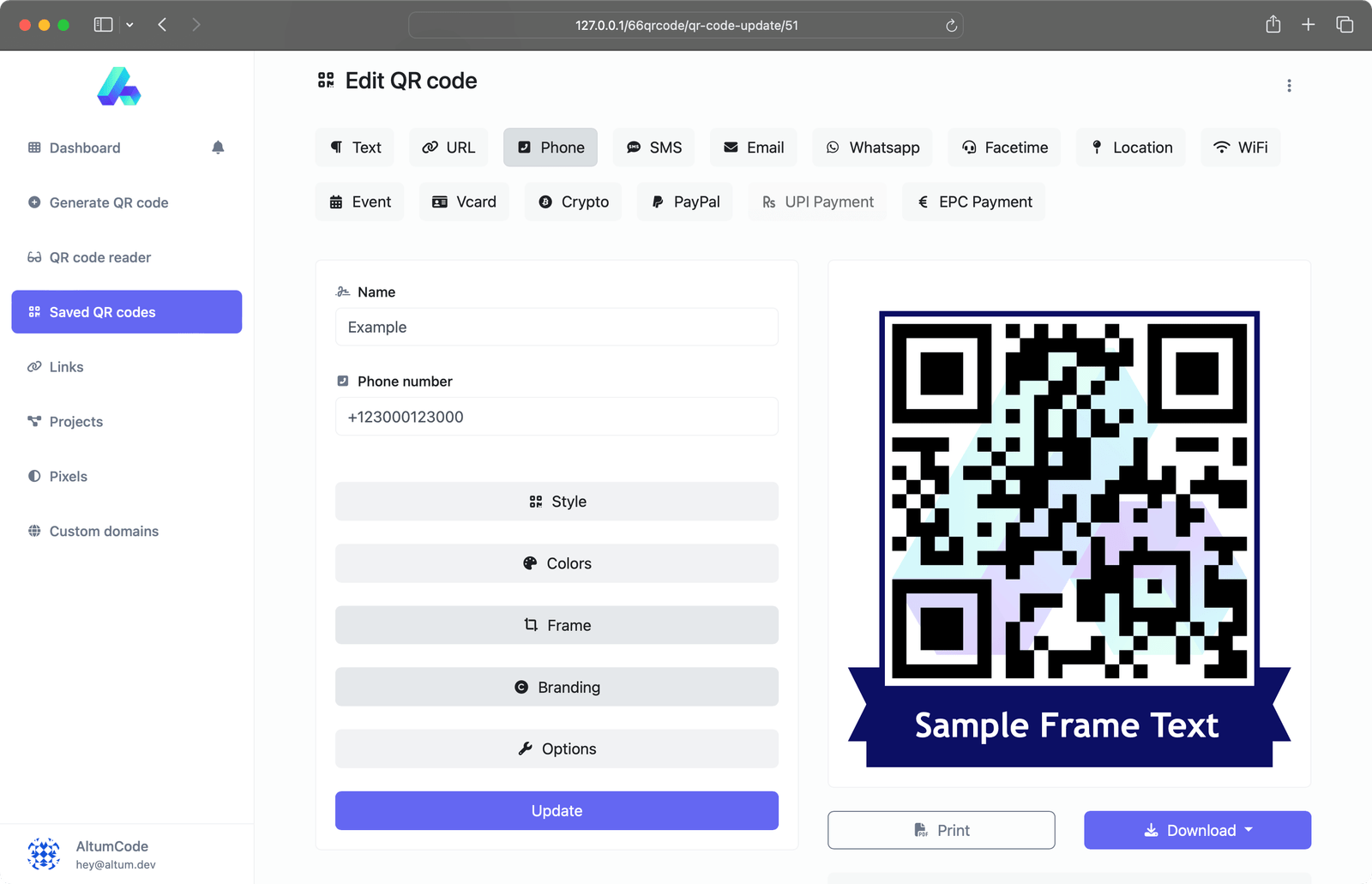
Dynamic QR codes
Dynamic QR codes let you update the destination at any time. This flexibility is powered by our Links tool, which integrates various technologies to make the process seamless.
-
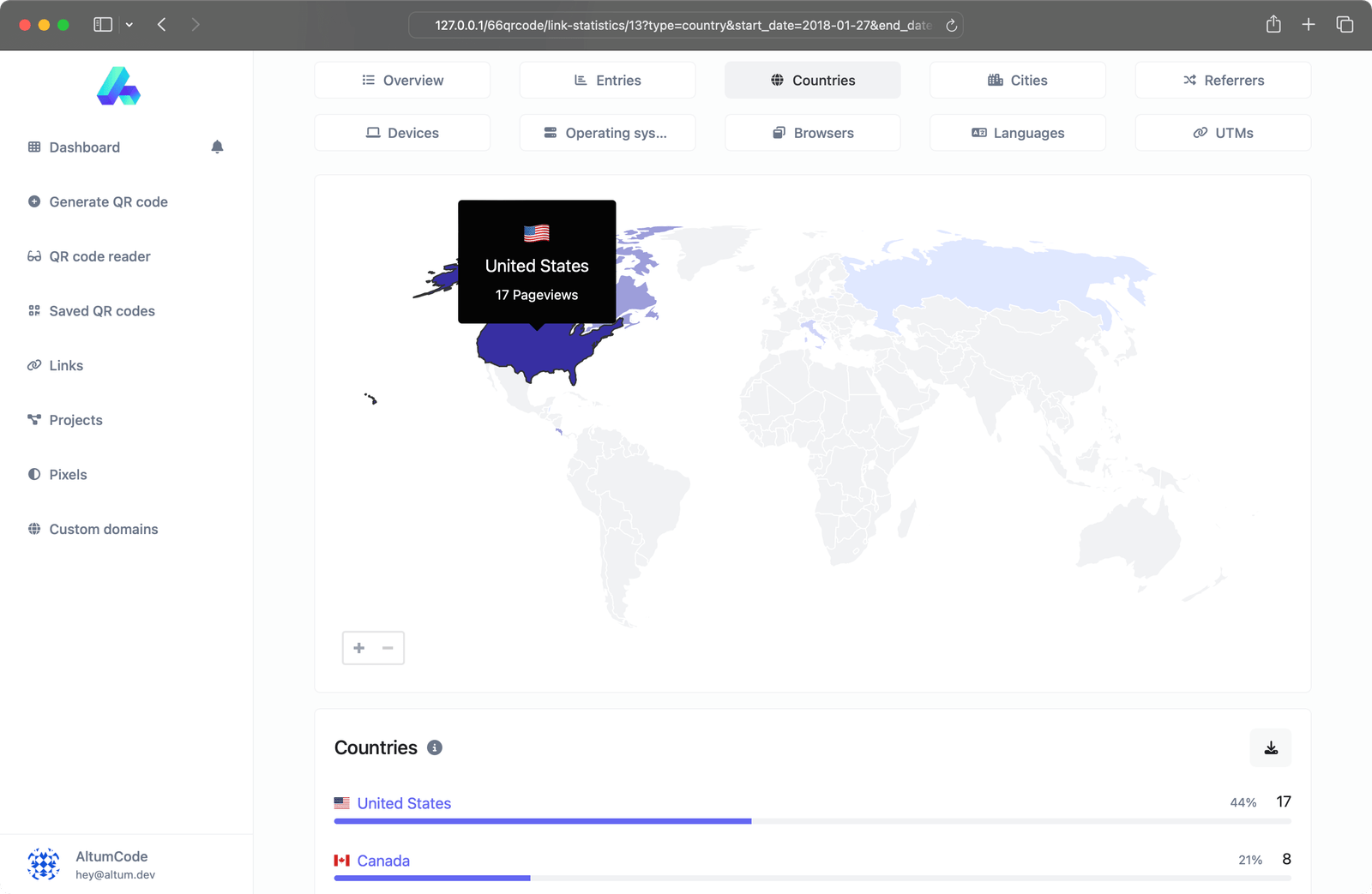
Advanced scan statistics
-
Change URL destination dynamically
-
Scheduling, expiration limits, A/B Rotation
-
Password protection
-
Country, device & language re-targeting
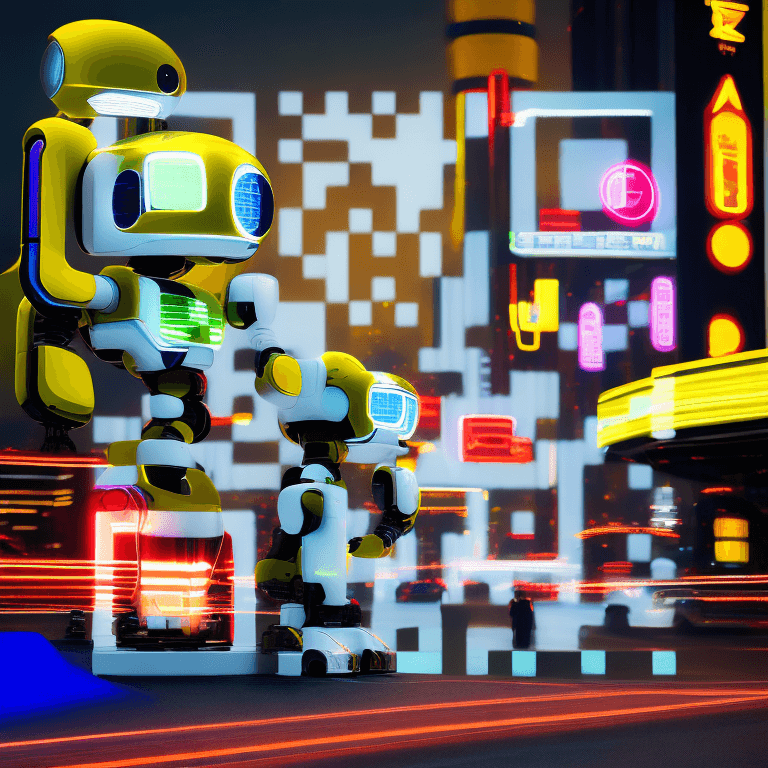
AI QR Codes

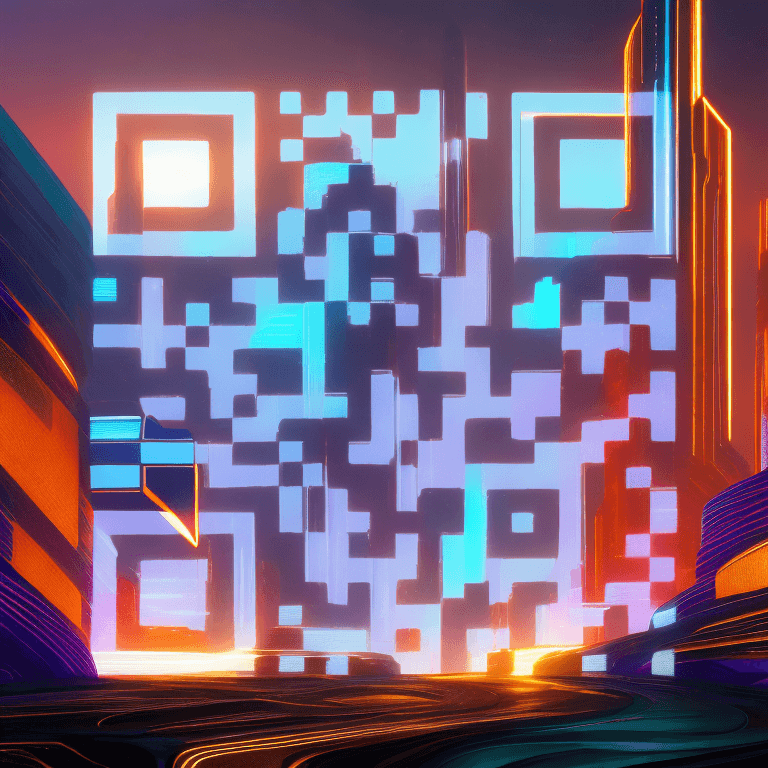
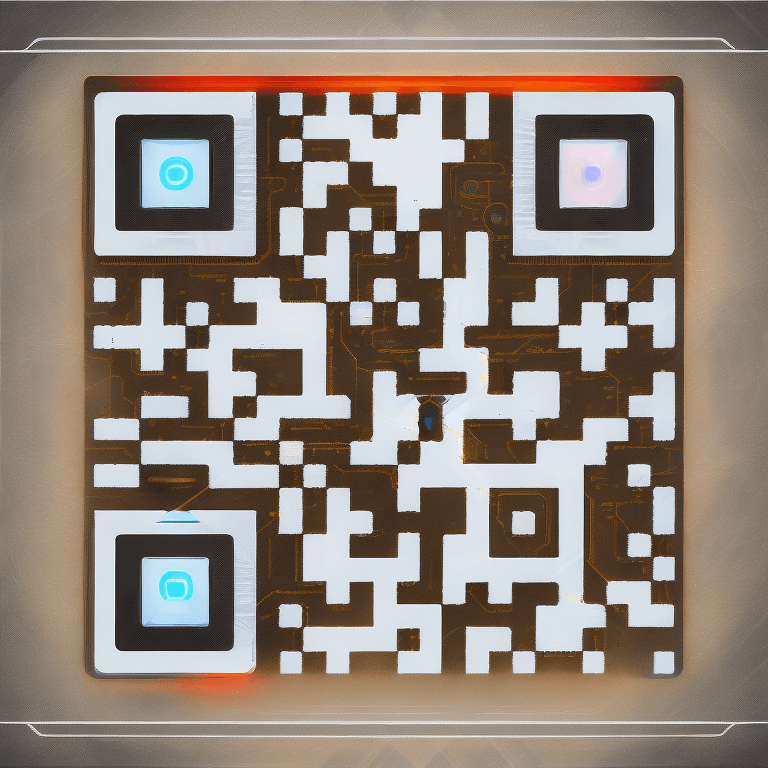
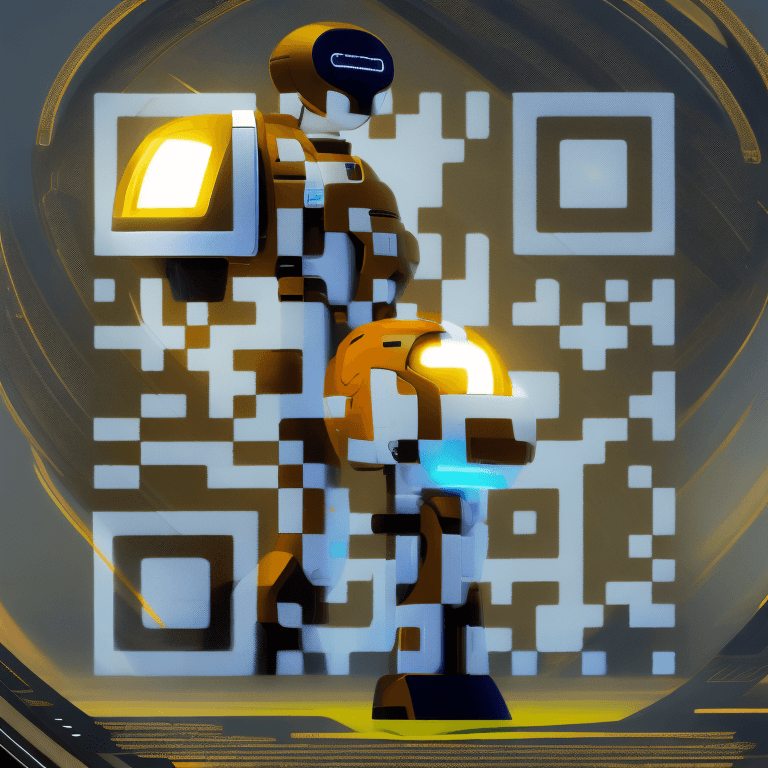
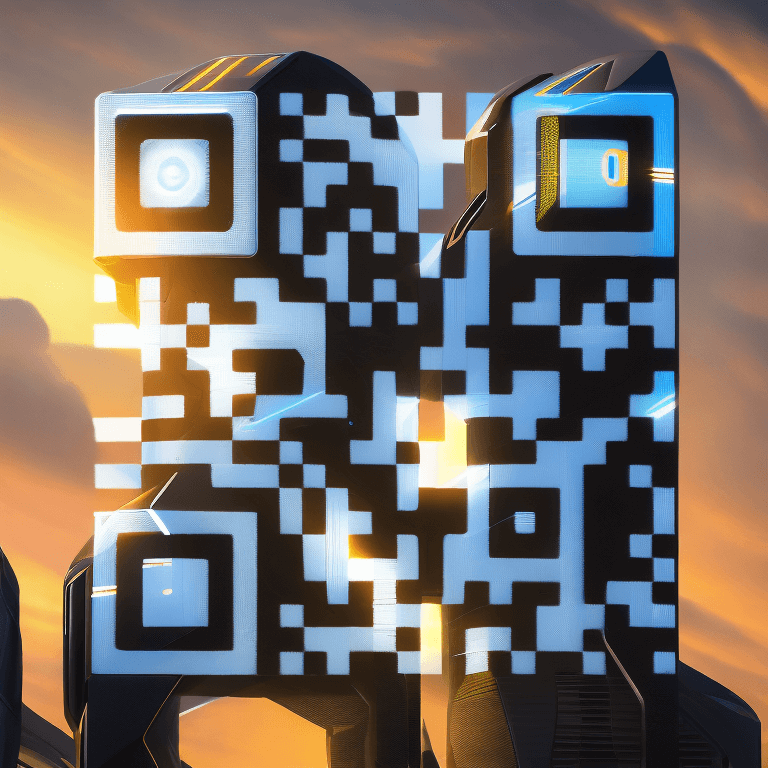

A handful of QR code templates
Get started with the most in-demand and used QR code templates.
Barcode generator system
We've got it all. Use our barcodes system to easily generate barcodes.
URLs that open apps automatically
Short links that automatically detect the used app and open it on mobile.
Tracking pixels
All the links easily integrate with any of the following pixel providers.
Developer ready
Fully featured & easy to use API system for developers.
--url 'https://toolxa.com/api/links' \
--header 'Authorization: Bearer {api_key}' \
--header 'Content-Type: multipart/form-data' \
--form 'url=example' \
--form 'location_url=https://toolxa.com/' \
Here's what people are saying

“ A text QR code lets you encode any plain message, note, or piece of information directly into a scannable QR code — no app, link, or account required. When someone scans it with their phone camera, the text appears instantly on their screen, making it perfect for quick sharing of instructions, quotes, product details, or private messages. Toolxa's text QR code generator is completely free and works instantly in your browser. Simply type or paste your text, customize the design with colors, patterns, and your own logo, then download it in high resolution as PNG, SVG, JPG, or WEBP — ready to print or share online. Text QR codes are commonly used for museum exhibit descriptions, restaurant table cards, packaging instructions, event badges, and educational materials. Unlike URL QR codes, they don't require an internet connection to display their content, making them ideal for offline or low-connectivity environments. For an added layer of quality control, use our built-in QR code scanner test before publishing to make sure your code is fully readable at your intended print size. ”

“ After trying several tools, I found Toolxa to be the most professional and easiest to use. Excellent support and efficient service. ”

“ I use Toolxa to generate barcodes and QR codes for my products. It saves me a lot of time and money. The interface is elegant and simple! ”
Answers for your common questions
Get started
Super easy & highly customizable static or dynamic QR codes.
Latest blog posts
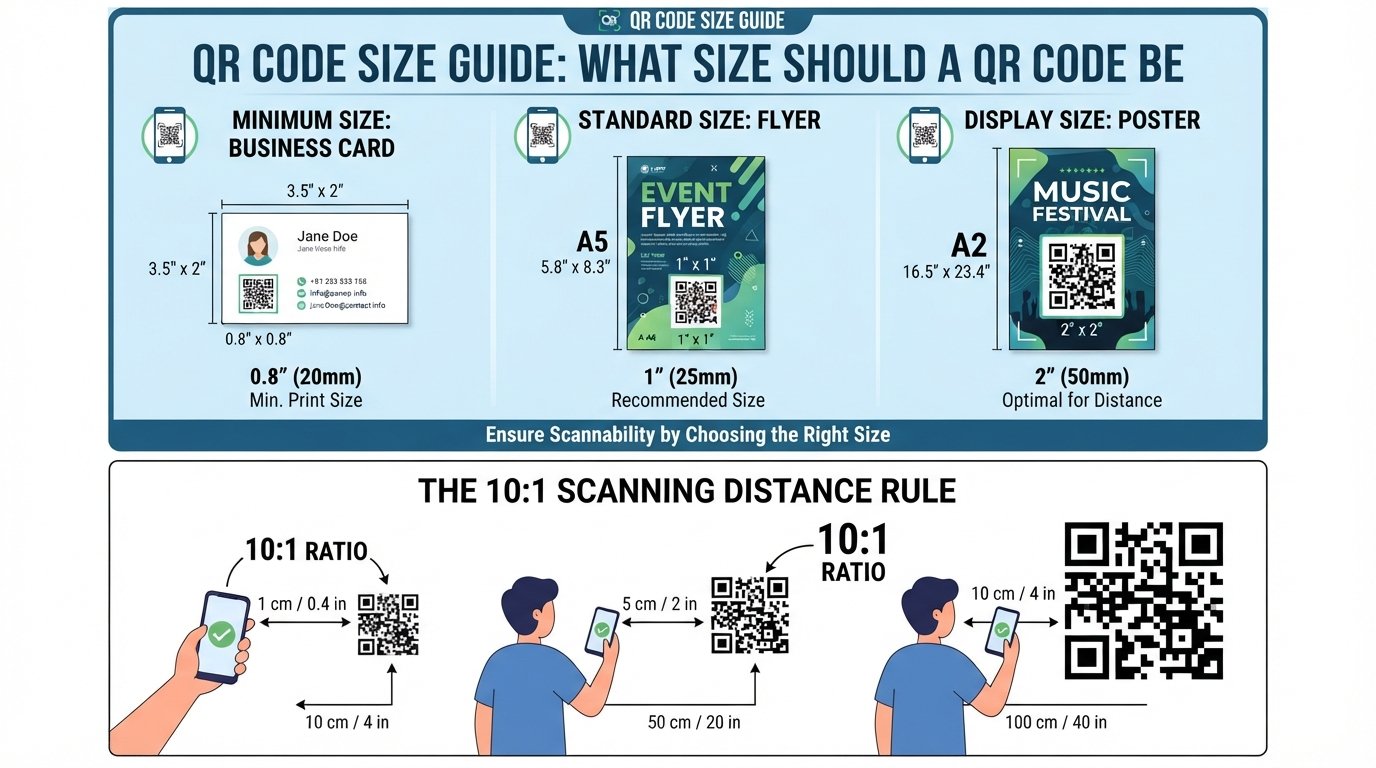
QR Code Size Guide: What Size Should a QR Code Be?
QR code size guide for 2026 — minimum sizes for print and digital, the 10:1 scanning distance rule, DPI requirements, quiet zone specs, and best practices by use case.
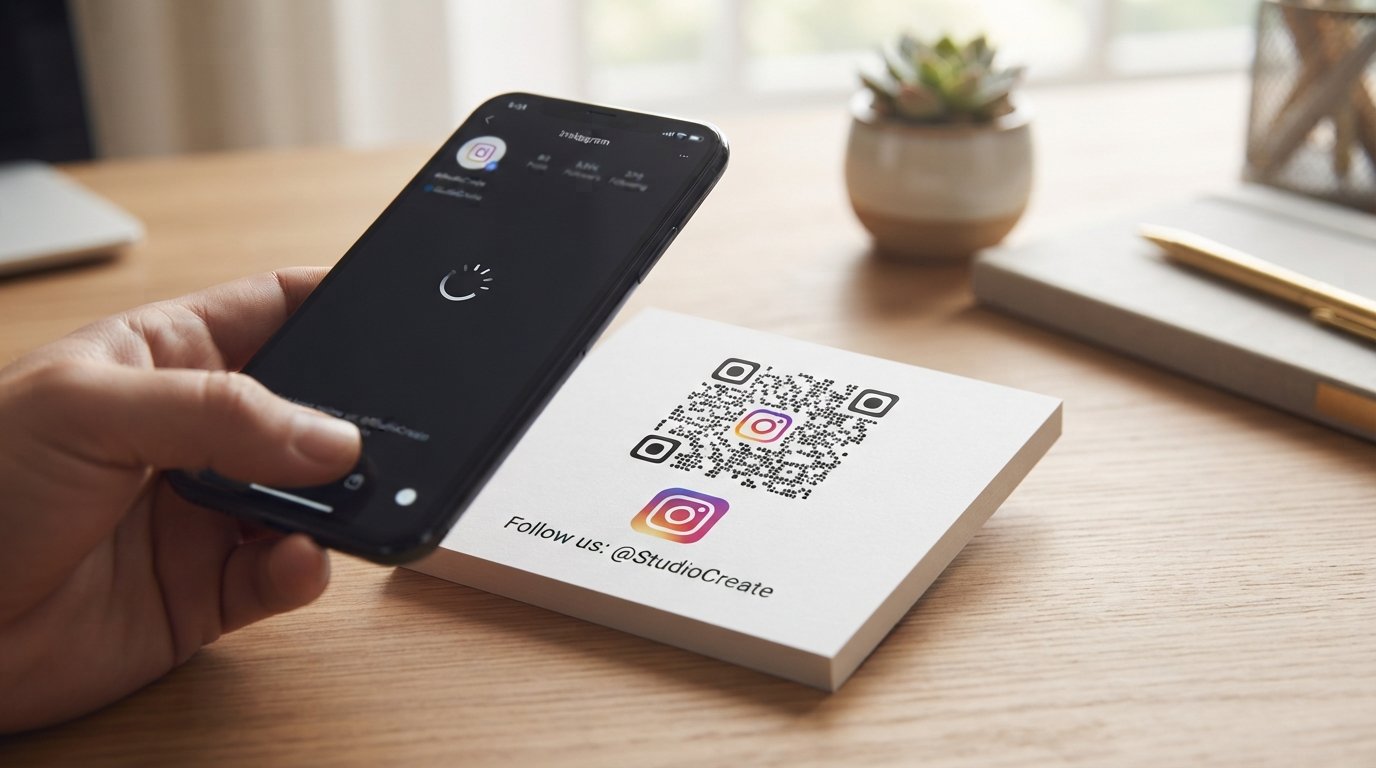
How to Create a QR Code for Instagram
Learn how to create a QR code for Instagram in minutes. Step-by-step guide, best placement tips, common mistakes, and FAQs to grow your Instagram following.
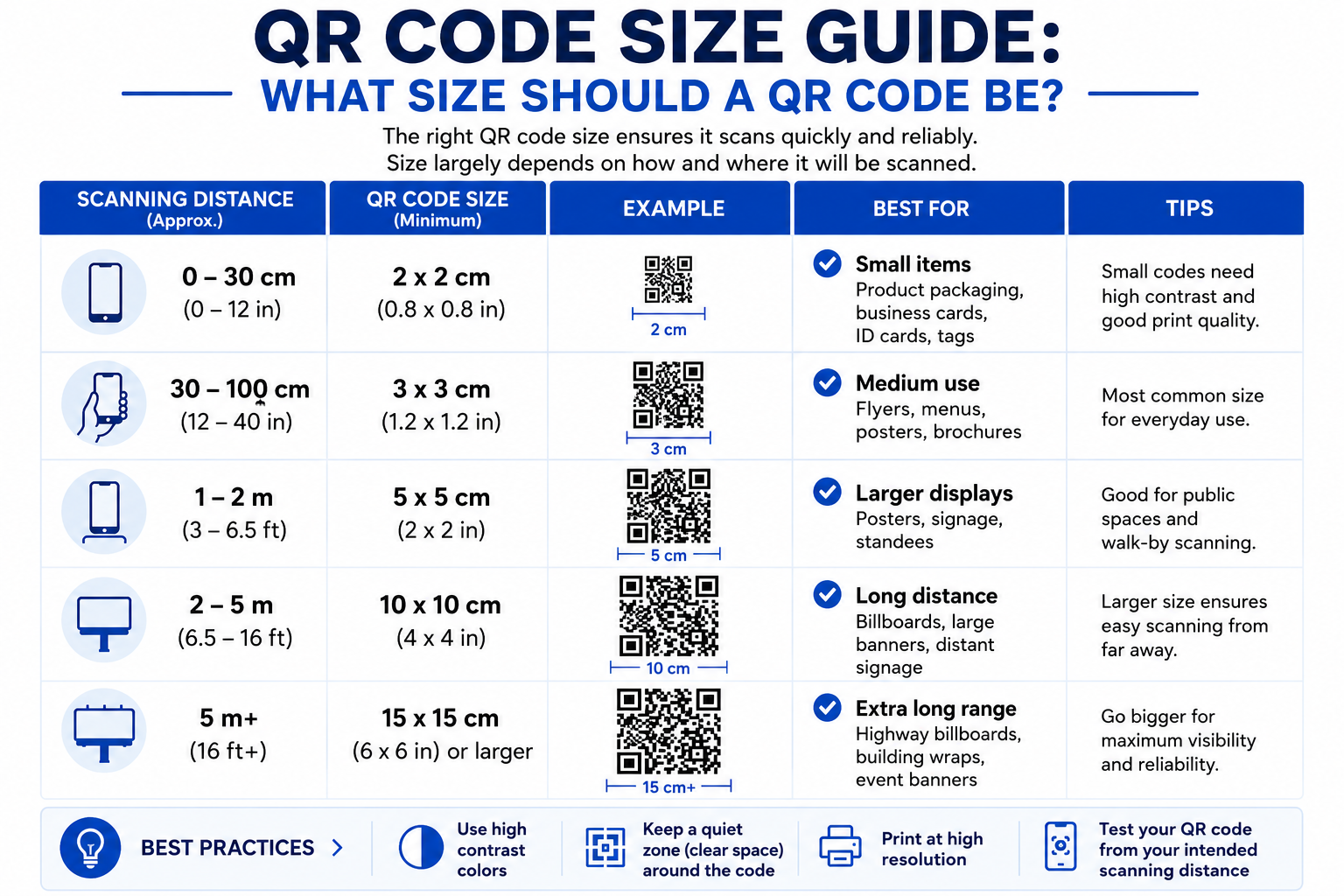
QR Code Size Guide: What Size Should a QR Code Be?
QR code size guide for 2026 — minimum sizes for print and digital, the 10:1 scanning distance rule, DPI requirements, quiet zone specs, and best practices by use case.